Your microscopy workspace, now on Android
G-Scope for Android
Turn your Android phone or tablet into a microscopy workspace. Connect a compatible USB UVC or Wi-Fi microscope to capture, calibrate, measure, annotate and create reports with G-Scope.
G-Scope for Android brings the desktop microscopy workflow to phones and tablets. It replaces the previous Smart G-Scope Android app and supports compatible USB UVC and Wi-Fi microscopes, including Dino-Lite/WF20 and other supported protocol families.
Get it on Google PlayAndroid 7.0+ · Phones & tablets
Free core features. Optional Pro tools use the same license as the desktop app.
One Pro license for desktop and Android
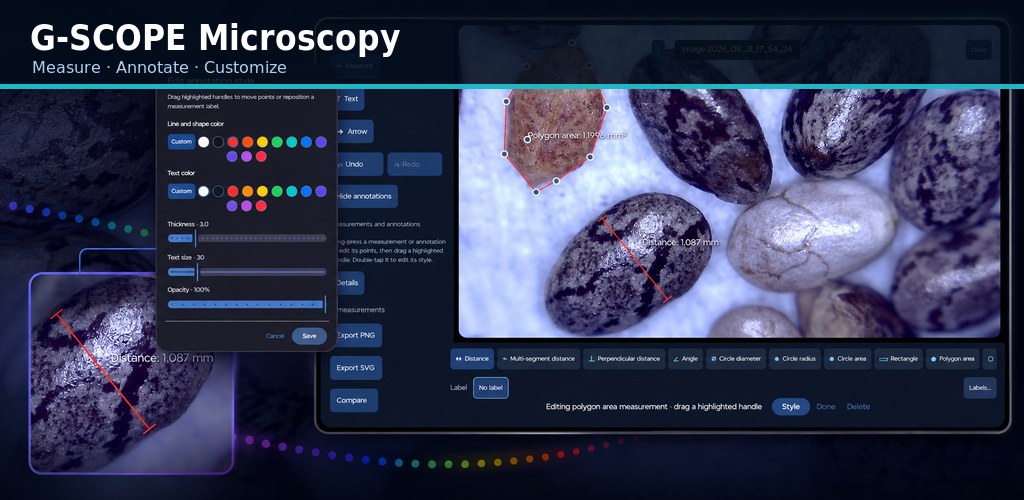
Your existing G-Scope Pro license also works in the new Android app. Activate the same key in Settings → Pro. One license covers up to 3 devices across Windows, macOS, Linux and Android.
Explore G-Scope ProG-Scope on phones and tablets
Live capture, calibrated measurements and reports, with controls designed for touch.
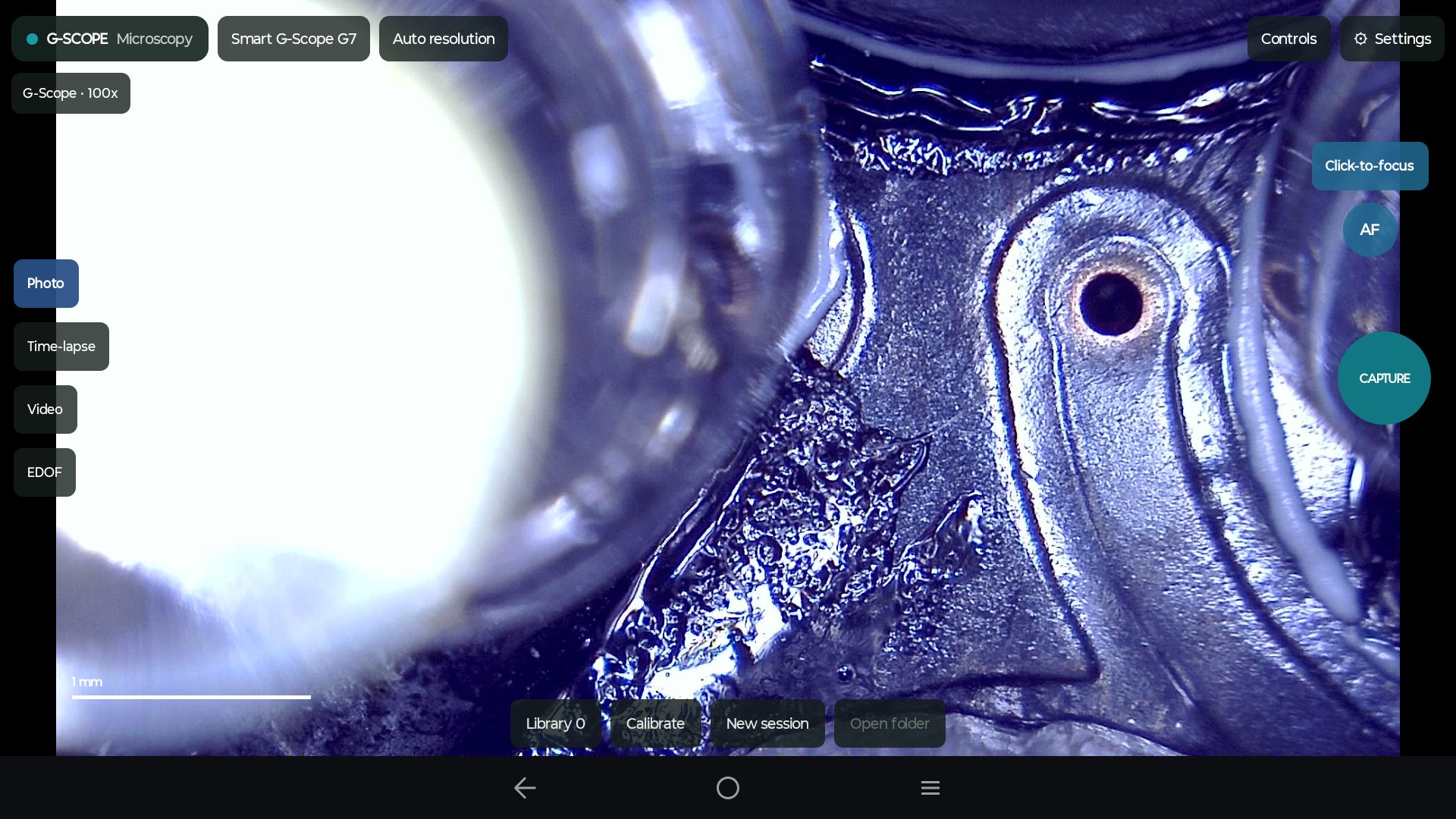
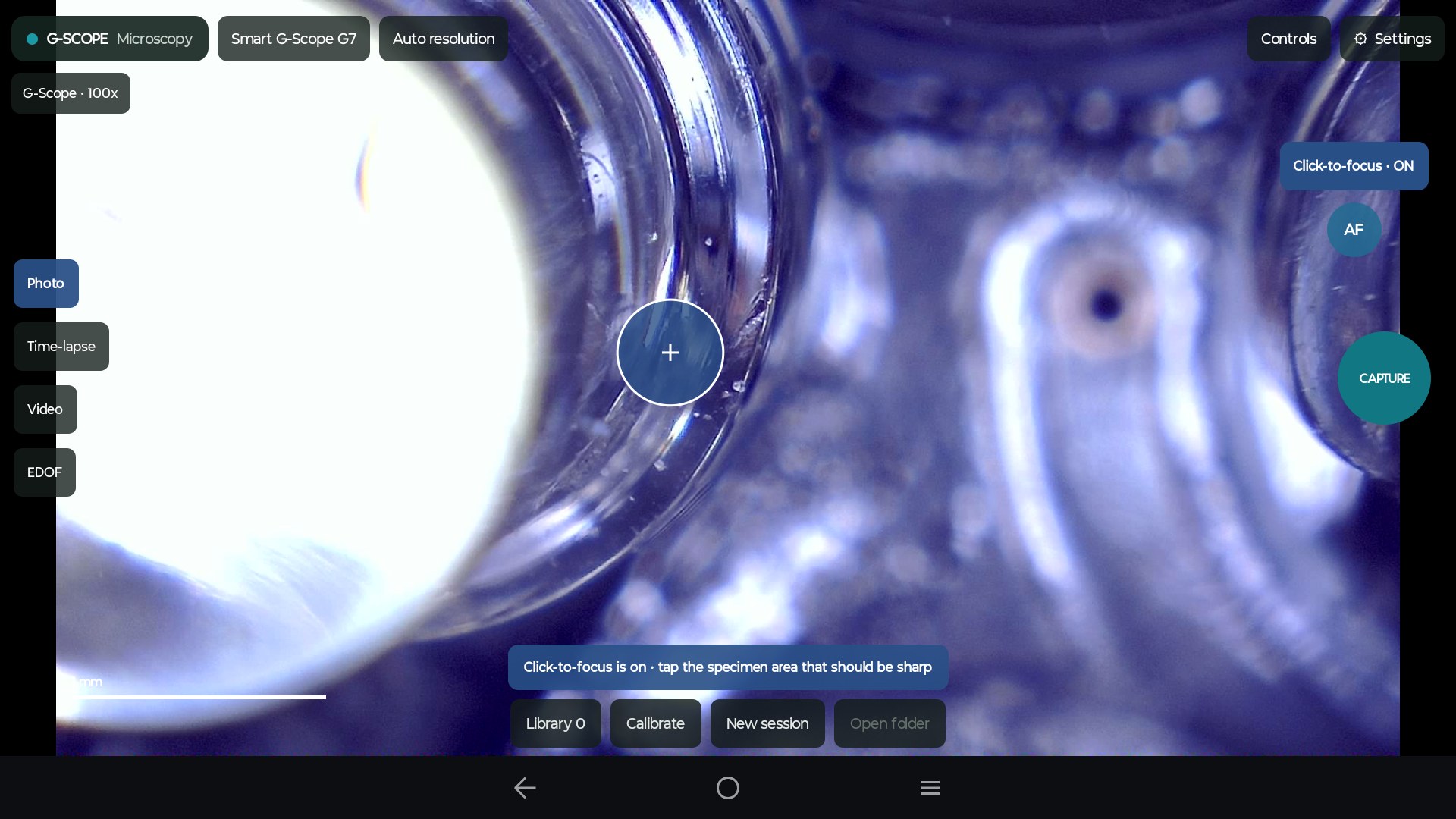
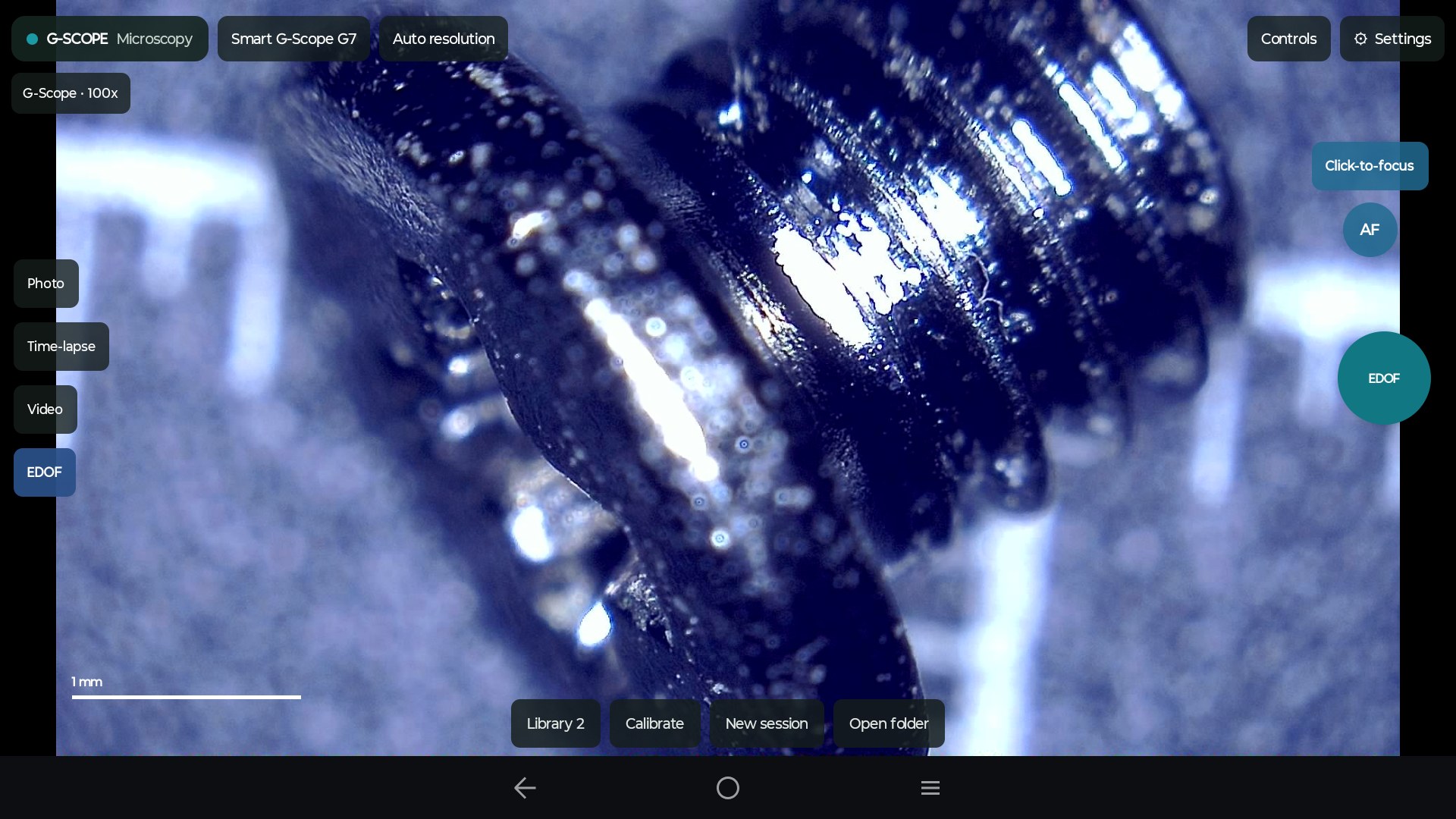
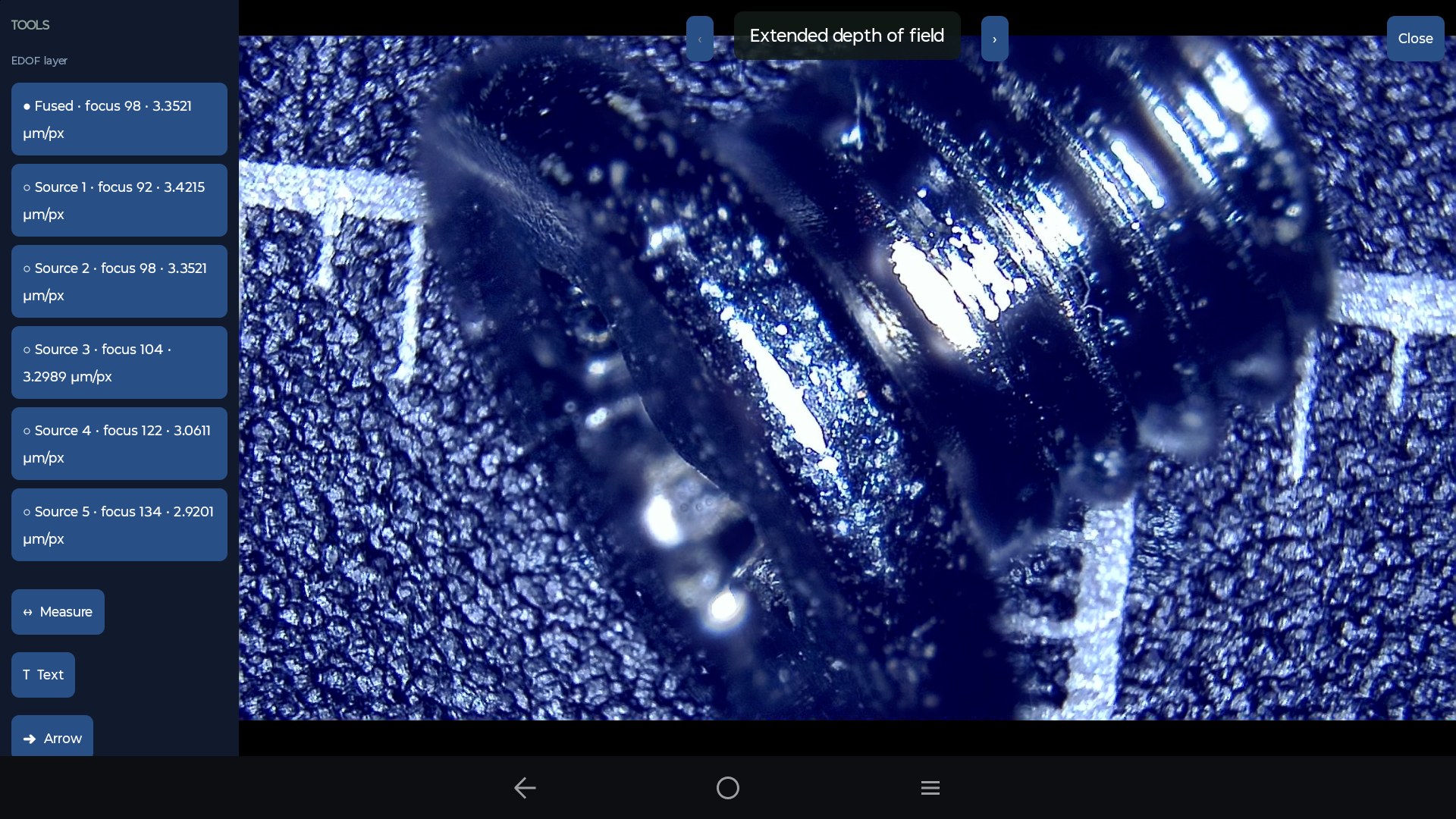
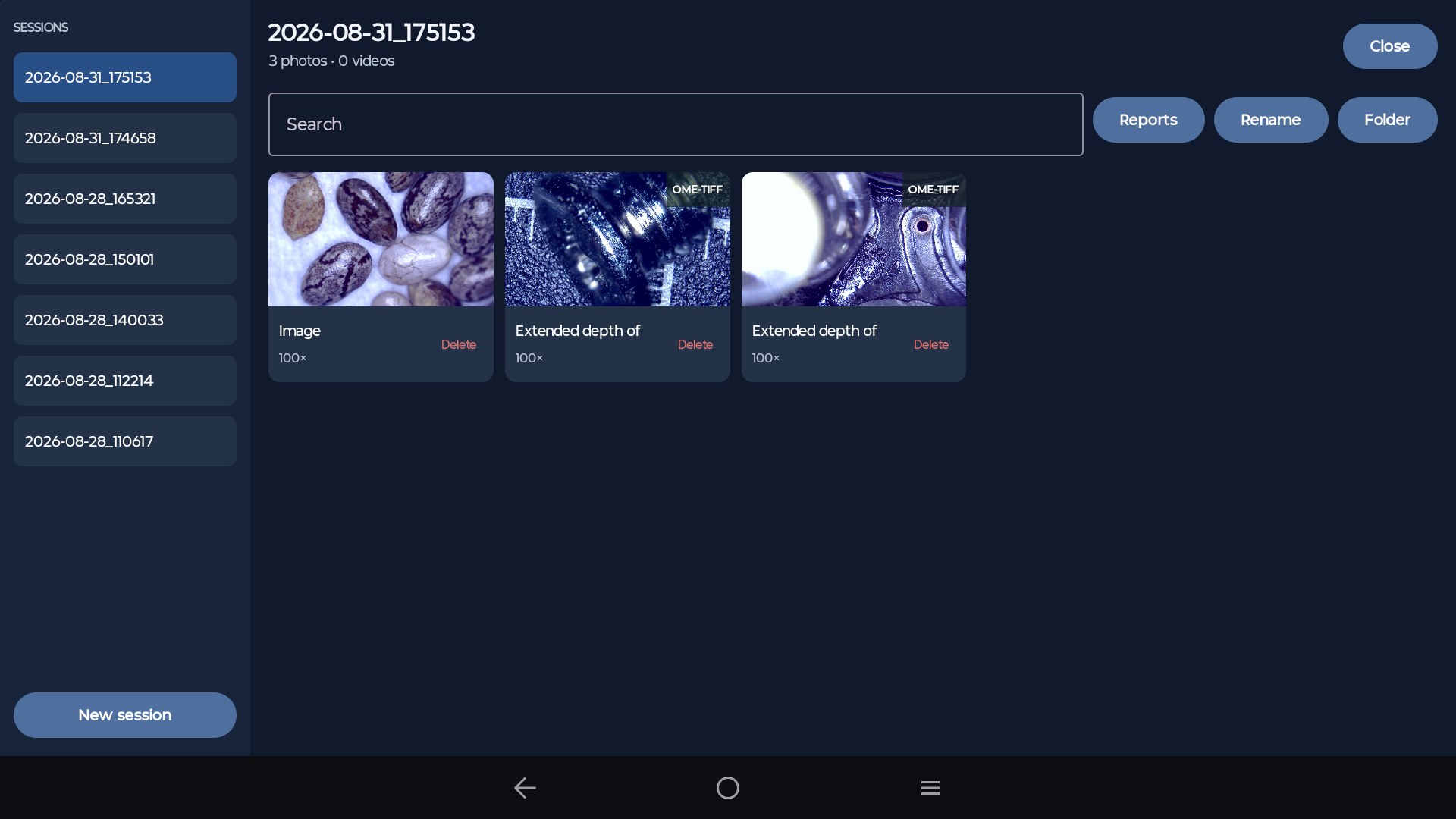
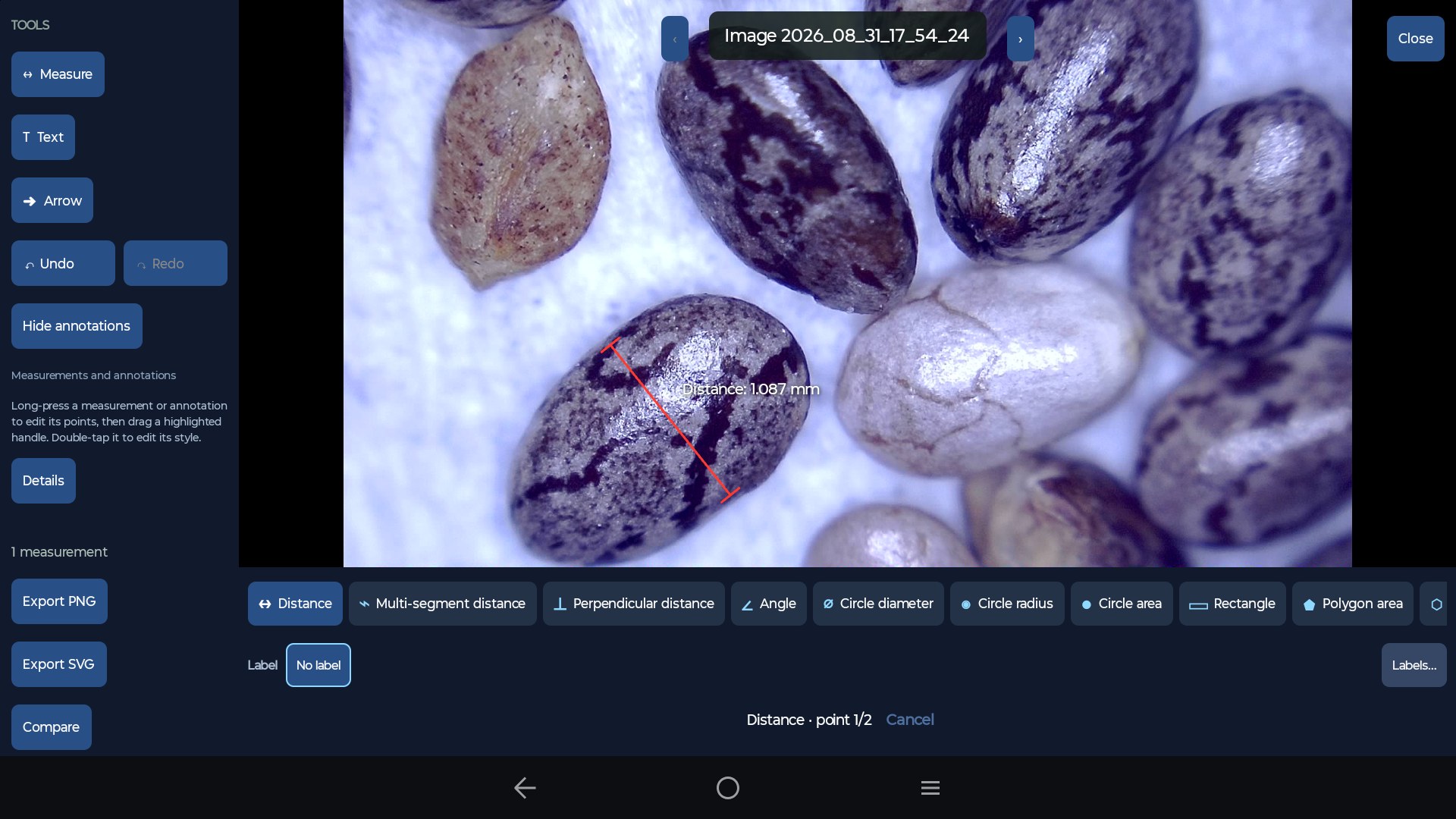
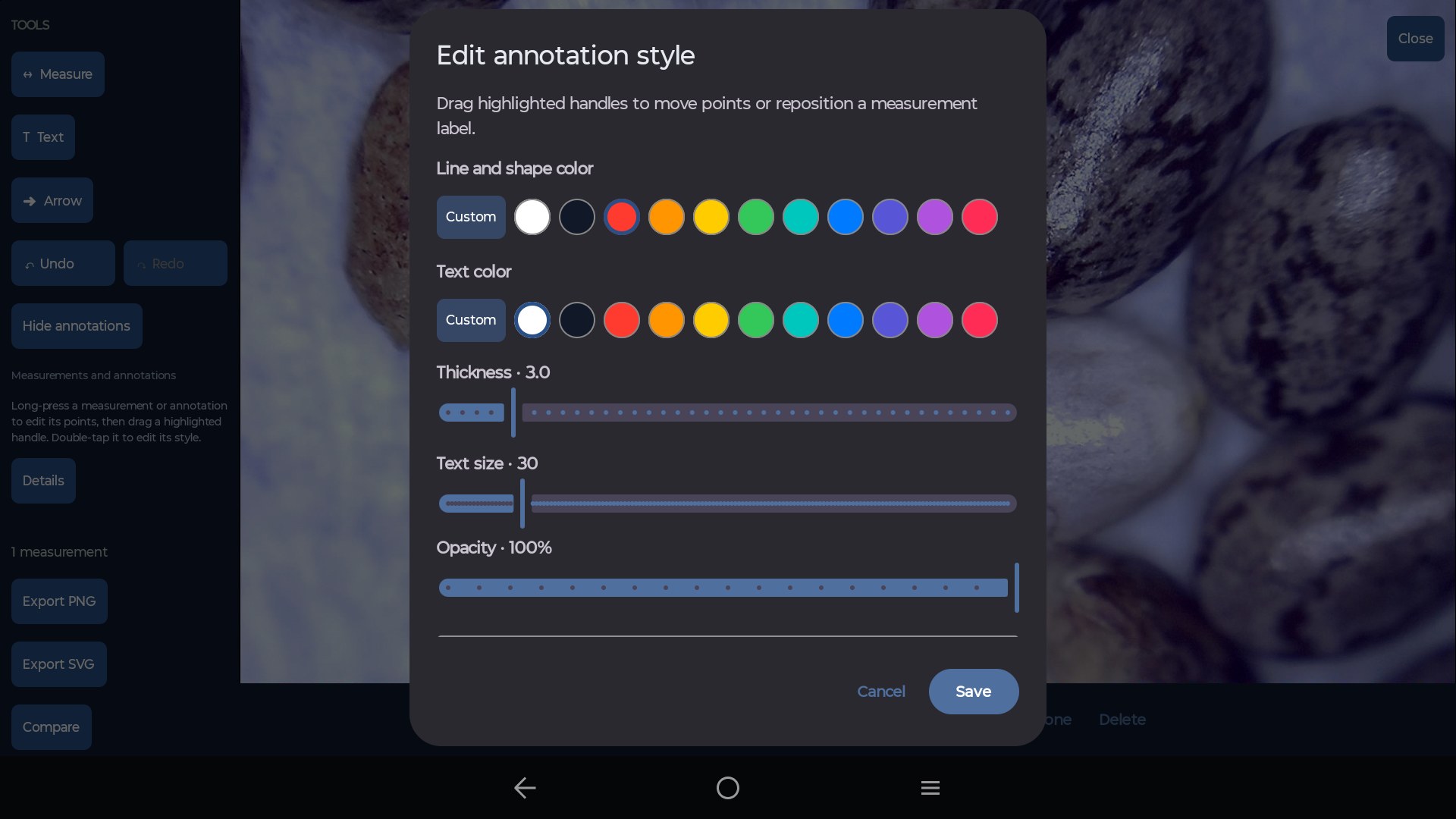
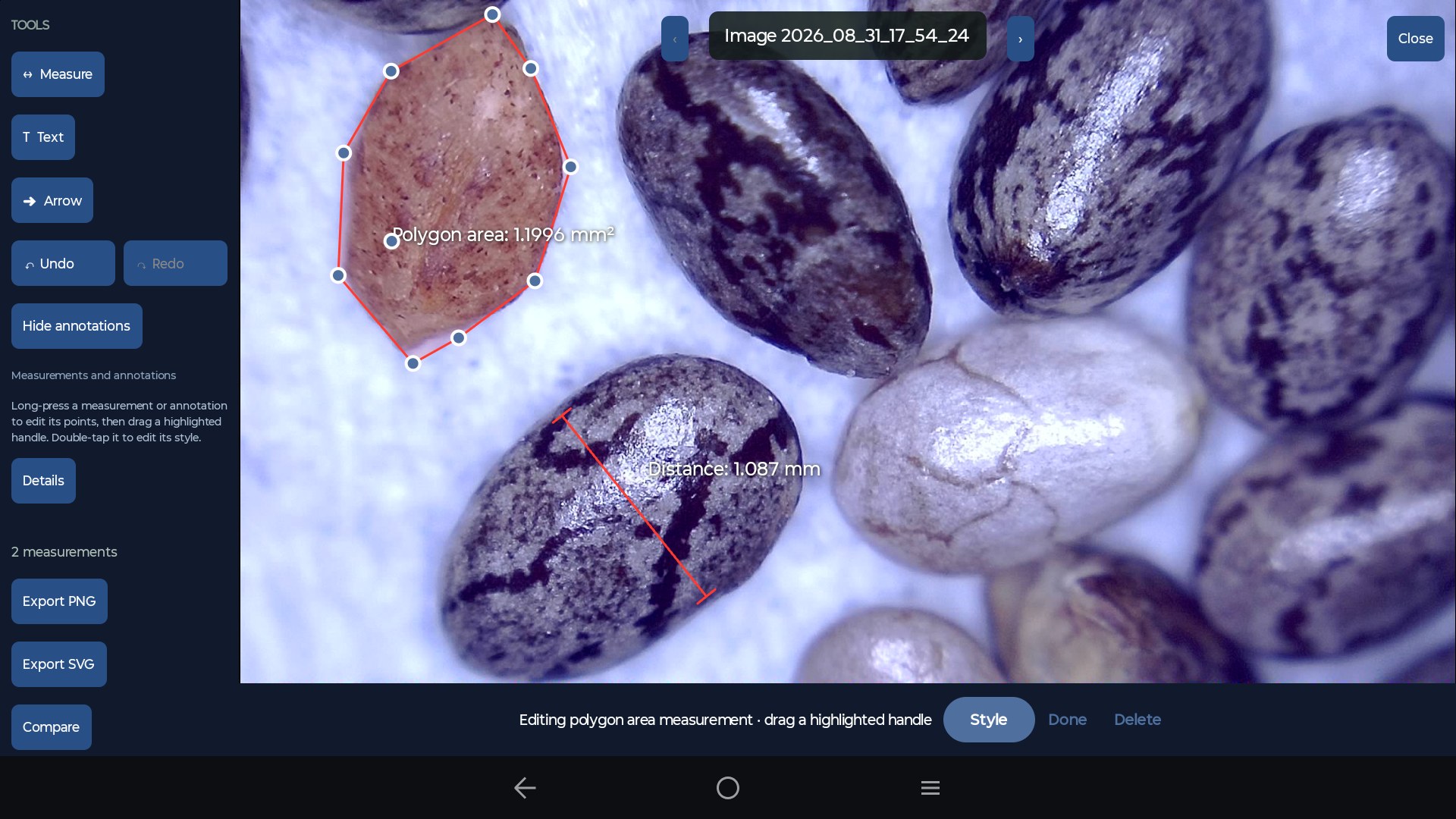
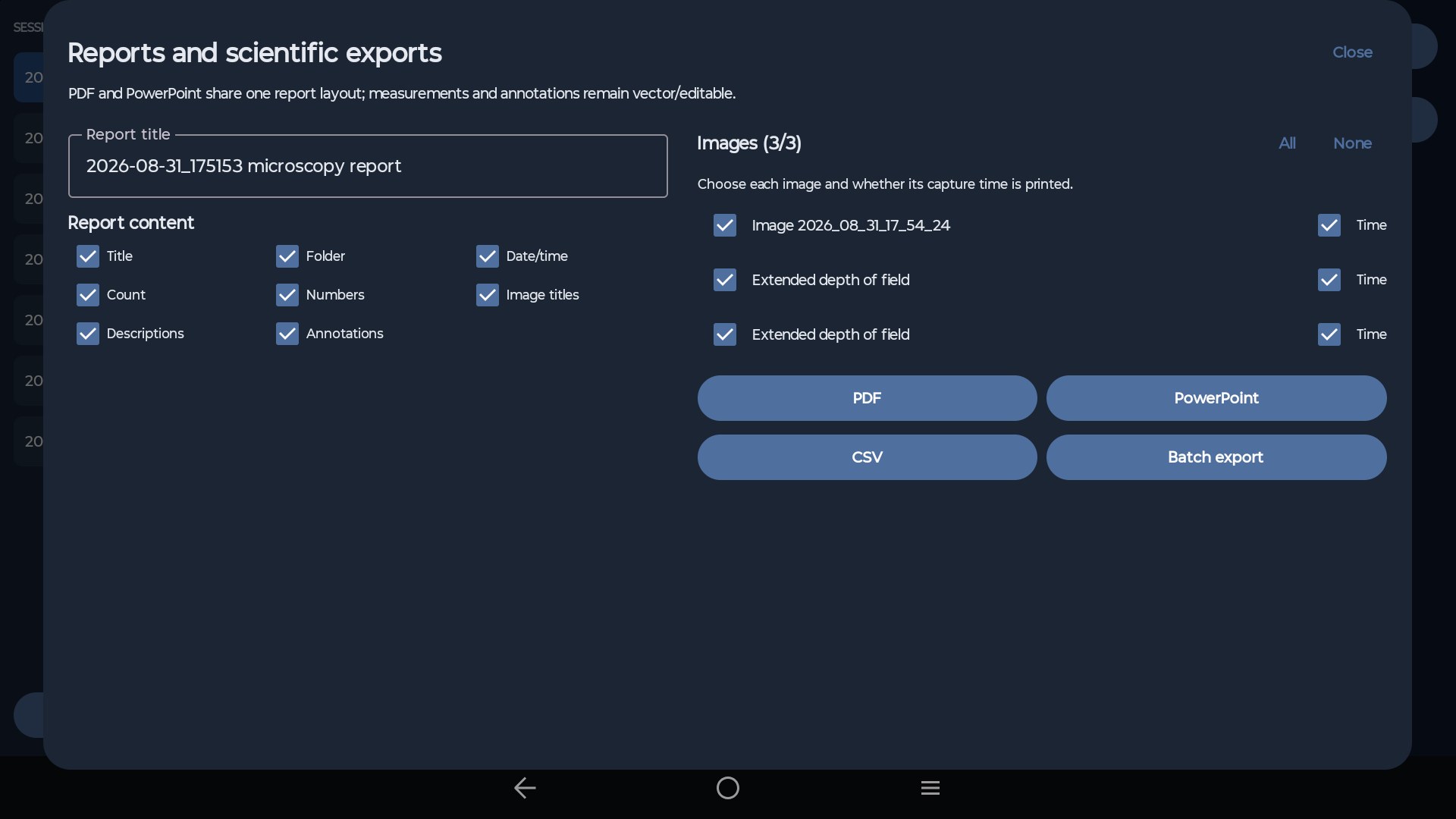
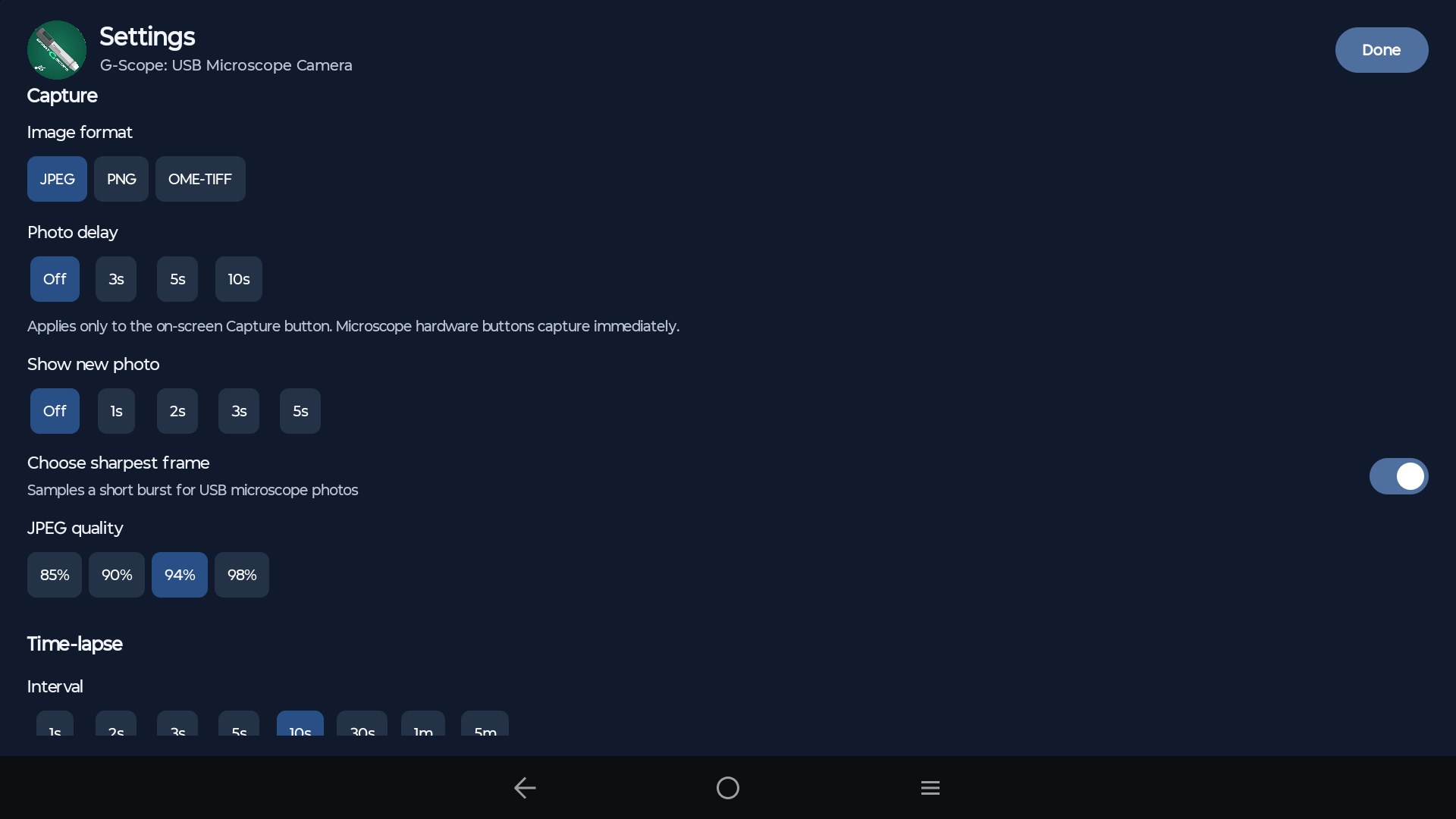
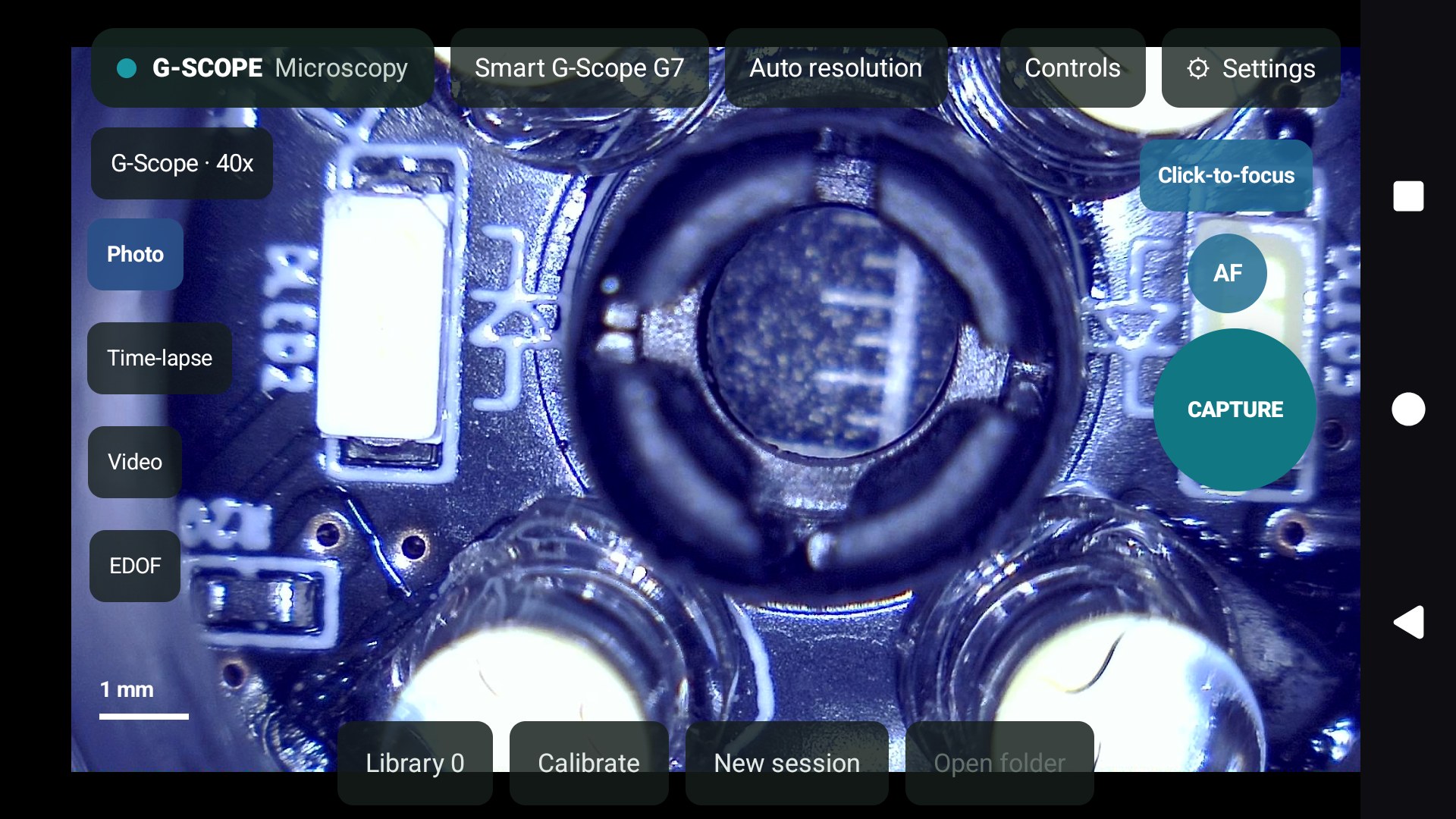
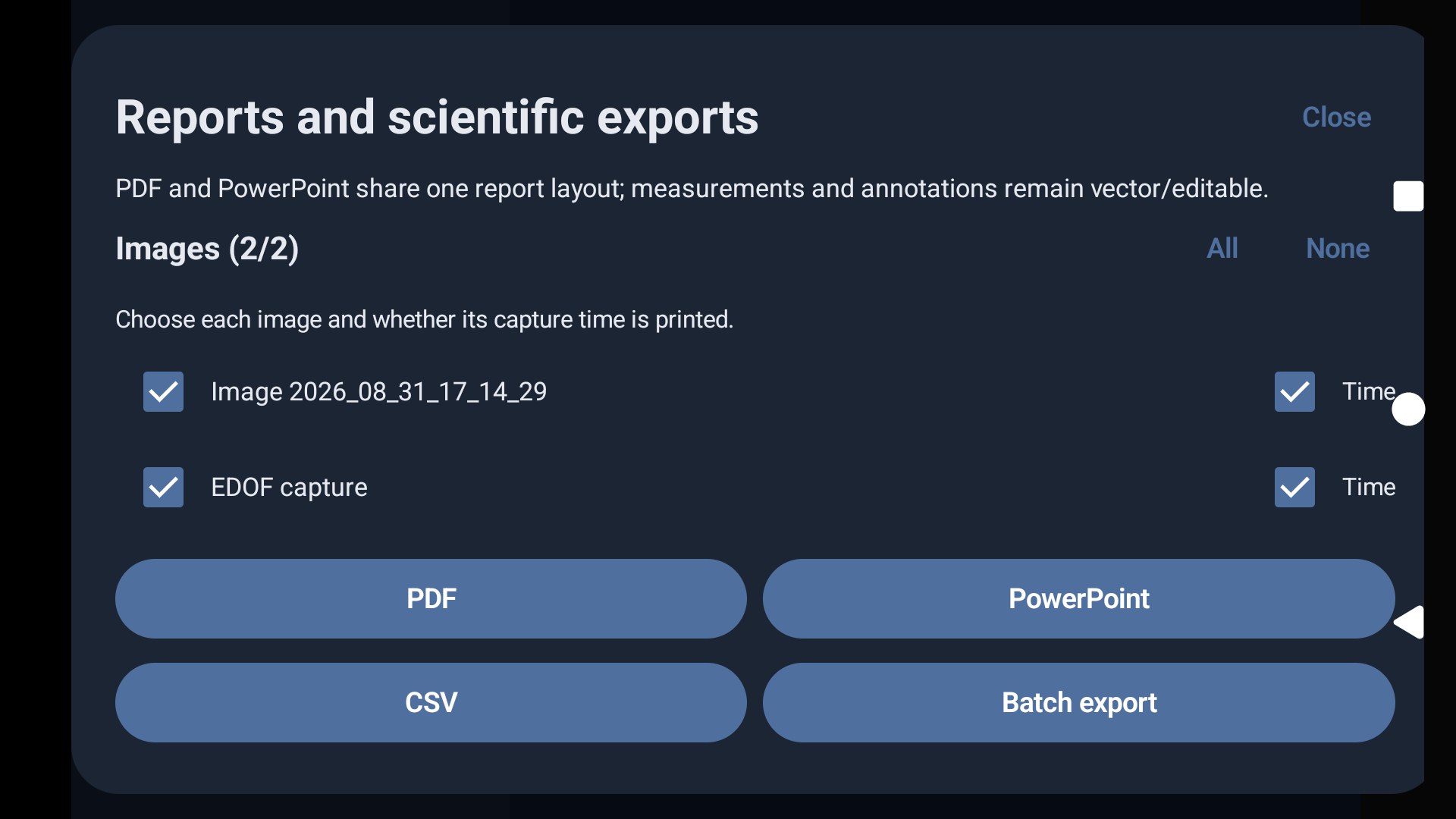
Select a screenshot to view it full screen.
From live view to finished reports
The familiar G-Scope workflow on your Android device.
Live view & capture
View a compatible USB or Wi-Fi microscope, take photos and use the video or time-lapse capture tools.
Calibration & measurements
Calibrate against a known distance and measure in real units. Pro adds advanced area, count and geometry tools.
Annotations & local sessions
Add text and arrows to captures and organize your images in sessions on your device.
Comparison & scientific export
Use Pro to compare captures and export OME-TIFF images, vector SVG and measurement data as CSV.
PDF & PowerPoint reports
Create reports from your session images, measurements and annotations with Pro.
Smart G-Scope integration
Connect a Smart G-Scope for automatic calibration, click-to-focus and EDOF capture. Pro unlocks while the microscope is connected.
Wi-Fi microscopes on desktop and Android
Connect compatible Wi-Fi microscopes to G-Scope on Windows, macOS, Linux or Android for live view, photo capture, calibration and measurement.
Microscope protocol families
Dino-Lite / WF20
MJPEG video and JPEG snapshots through the Wi-Fi bridge.
Jieli / TopScope / Toproview
CTP control with JPEG or H.264 video.
JoyHonest
JPEG or H.264 video, depending on the device profile.
i4season / Suear
JPEG video over UDP.
Legacy Molink
JPEG video over TCP using the supported legacy protocol.
Standard network camera protocols
ONVIF
Camera media profiles with supported RTSP video streams.
RTSP
H.264 or JPEG video over RTP/TCP.
HTTP MJPEG
Multipart MJPEG or JPEG image streams.
On supported Dino-Lite models, Wi-Fi also provides LED control, MicroTouch capture and automatic calibration when the camera supplies valid magnification and calibration data. Other cameras can use manual calibration.
Support depends on the camera's protocol and firmware. These families do not mean every model or rebadged device has been physically tested. H.265, authenticated RTSP/ONVIF, HTTPS streams, proprietary ToupTek Wi-Fi and newer Molink obfuscation are not supported.
Connect a Wi-Fi microscope
Join the microscope's Wi-Fi network in your computer or Android device's network settings, then open G-Scope and select the Wi-Fi camera. Wi-Fi microscopes do not require a USB cable or OTG adapter.
What you need
Choose USB or Wi-Fi to suit your microscope. Wi-Fi cameras do not need USB host / OTG support.
- Operating system
- Android 7.0 or later
- Device
- Phone or tablet with Wi-Fi; USB host / OTG support for USB cameras
- Connection
- Your microscope's Wi-Fi network, or a compatible USB data cable / OTG adapter
- Camera
- A compatible Wi-Fi microscope or USB UVC camera, including Smart G-Scope over USB
Get started on Android
- 1Install G-Scope from Google Play.
- 2Join your microscope's Wi-Fi network, or connect a USB microscope with a suitable OTG adapter or data cable.
- 3Open G-Scope, grant the permissions requested for your connection and select the camera.
- 4Create a session, calibrate if needed, and tap Capture.
Your images stay on your device
Captures, measurements and reports are stored locally. No cloud account is needed for the microscopy workflow.
Read the privacy policy →Also available for your computer
Use G-Scope Desktop on Windows, macOS or Linux with the same Pro license.
See all downloads